Geekcom Mini PC – A Great Desktop Tower PC Replacement

The recommendation is NOT sponsored. I bought the Mini PC with my own money. I’ve tested it thoroughly, and I’m happy to recommend it to you.

This is the replacement I recommend if you prefer to sit at a desk to use the computer, rather than a laptop. If you require a laptop, please contact me and I will recommend one to you.

This Mini PC is very small compared to a traditional tower PC, but it gives you all the features that you probably need.

You can use your existing USB mouse and keyboard and your existing screen/monitor, but you might need a cheap adapter if your monitor does not have a HDMI input. I can recommend one for you.

If you use more than two USB sockets on your current tower computer, then you might need a USB hub. They’re cheap and will add three extra USB sockets.

This Mini PC is perfectly suited to home and office use, including emails, websites, banking, basic photo and video editing, and retro gaming up to about PS4 level.

I’m recommending the 2025 version of this Mini PC. I bought the earlier version because it has a slightly more powerful processor (I am using it for my tech support business, after all), but the older version uses more power and needs more cooling so it’s a little louder than the 2025 version. Otherwise, it’s basically the same, and the 2025 version would be good for me too.

So, here’s the Amazon link for this specific computer. If the link doesn’t work or it’s out of stock, please let me know and I’ll fix it or recommend an alternative.

https://amzn.to/3HXKN1G

As an Amazon Associate I earn from qualifying purchases.

If you’re an existing customer and you have any questions, please ask.
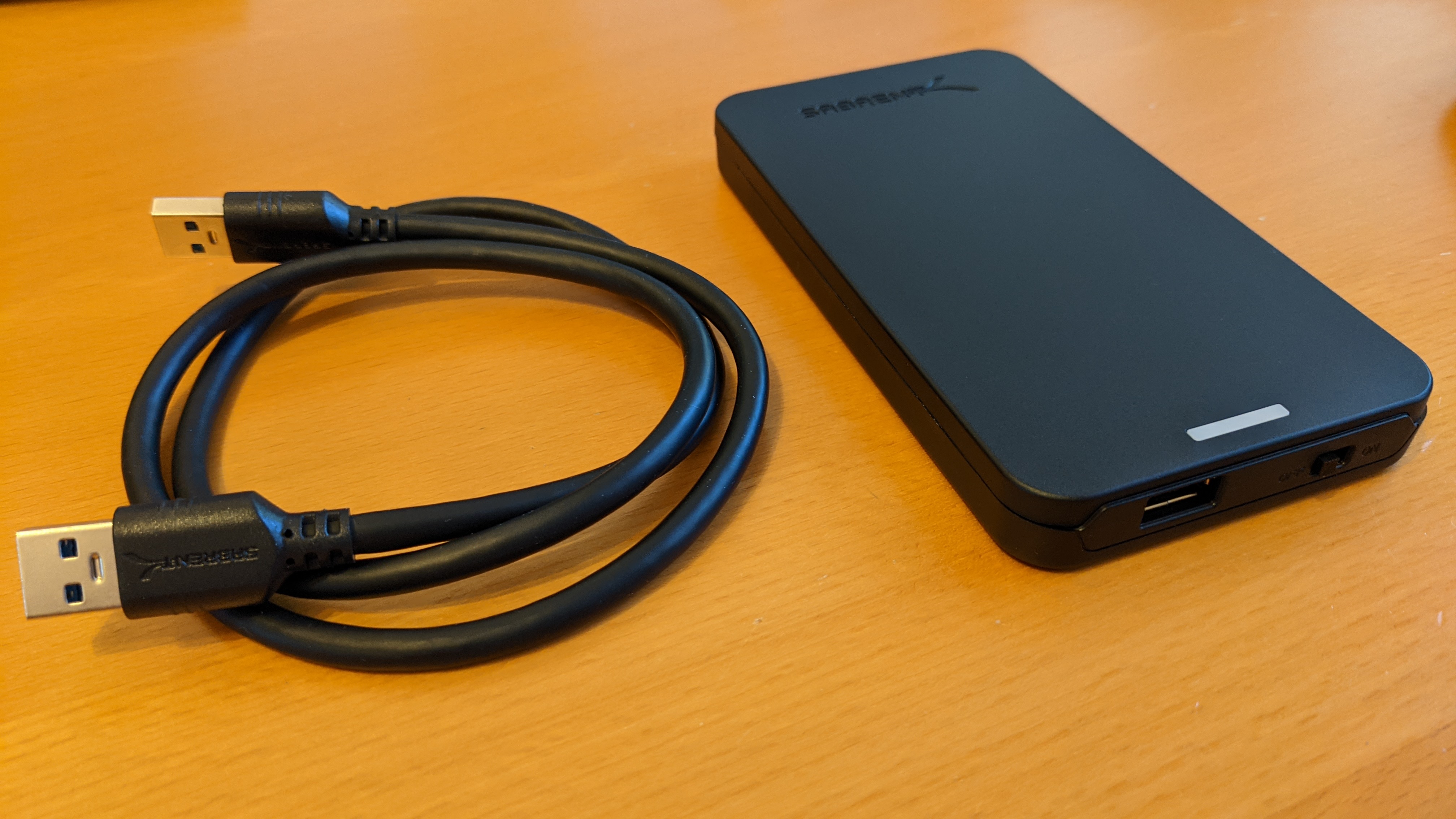
Hard Drive Enclosure

If you need an adapter for an old laptop hard disk to convert it to a portable hard disk for use as additional storage or backup, here is my current recommendation. I’ve actually bought and paid for one of these and used it myself.

Click the following link to view the Sabrent 2.5 inch SATA to USB enclosure on Amazon https://amzn.to/3HXmJpY

As an Amazon Associate I earn from qualifying purchases.

Hard Disc Enclosure

Laptop Recommendation

After spending a few hours researching what’s available, I can now recommend a suitable laptop.

This is not a budget laptop. This laptop has better specifications than cheaper laptops, so it should continue to give you a good user experience as Windows gets more updates and software and websites get more complicated and need more resources to work.

Here’s the one I recommend for home use and general day-to-day activities. Click the text below to see the laptop on Amazon.

HP Pavilion 15.6″ Laptop PC 15-eh0007sa, Touch Screen, AMD Ryzen 3, 8GB RAM, 256GB SSD, FHD, Natural silver

As an Amazon Associate I earn from qualifying purchases.

Recommended laptop – Dell Inspiron 15 3000 15.6″ with AMD Ryzen 5, 256GB SSD, and 8GB of RAM.

I’m often asked for recommendations for laptops. Here’s one I recommended today for general day-to-day use.

https://amzn.to/2Vktz63 Click the link to see it on Amazon.

As an Amazon Associate I earn from qualifying purchases.

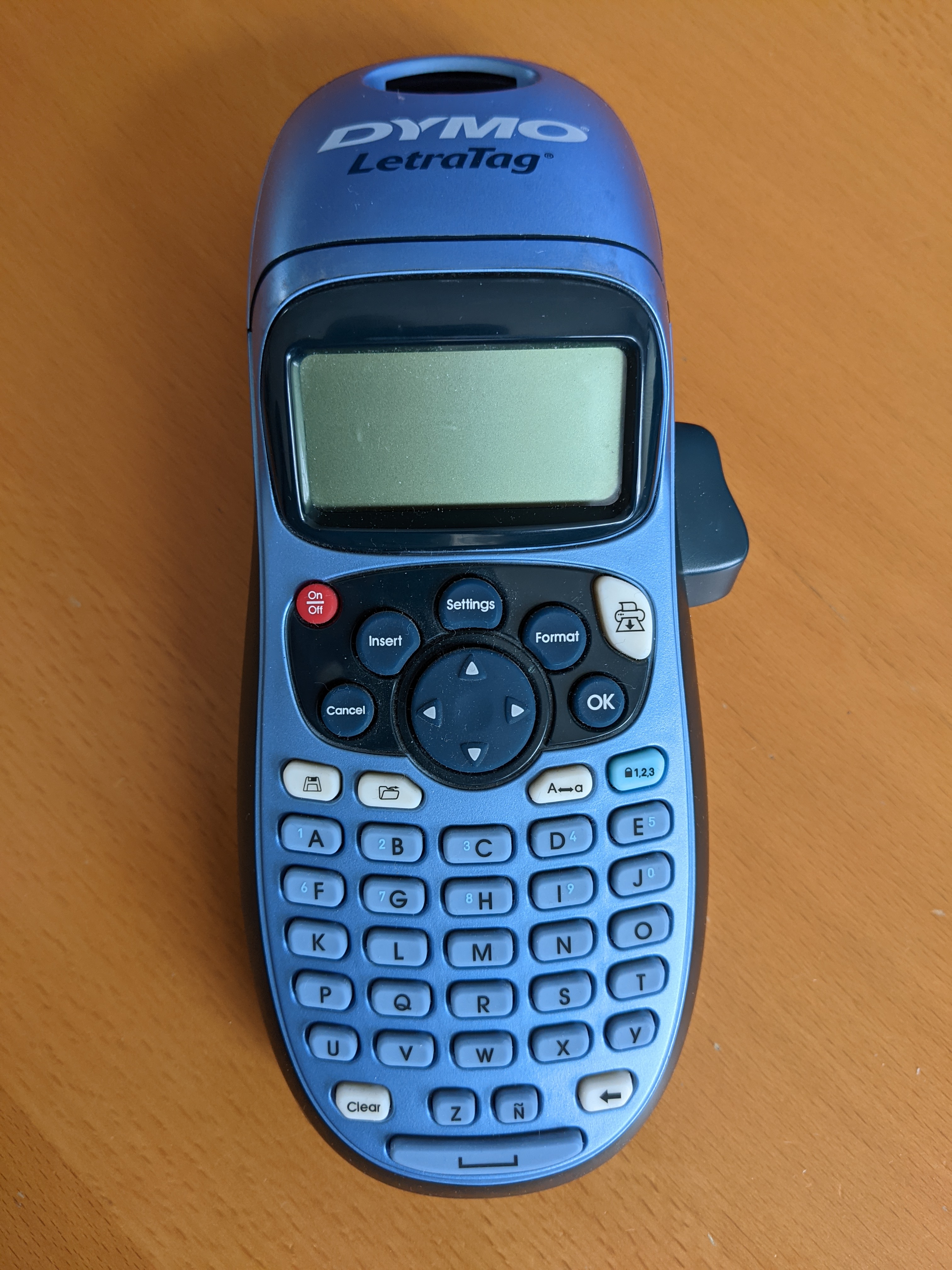
Product Review: Dymo LetraTag LT-100H Label Maker. Handheld Label Maker Machine. Ideal for Office or Home

Someone asked me for my recommendation for a label maker. Here’s my response and review of the Dymo LetraTag LT-100H Label Maker.

I’ve bought two of the label makers, one just stopped working one day, so I bought another. I can’t find the emails for the purchases, but I’ve been buying the tapes for them since 2013 or earlier, so two in eight years isn’t bad. I print a lot of labels, so it gets used a lot.

I don’t think I’ve ever had a tape jam, and the label fading seems minimal. I’ve just compared a label from about a month ago to one from a couple of years ago, and the blacks are almost as bold. I use compatible labels, and I do see some slight yellowing with age, but they’re cheap and easy to replace. The labels do fade quickly if they’re on a kid’s lunchbox in the dishwasher though (heat sensitive).

I’ve been getting a ‘battery low’ notice for months, but it still keeps chugging along. I use Amazon Basics batteries, they’re cheap when I buy bulk and last very well.

The only downside is the keyboard is alphabetical, and it’s tricky to find the right punctuation sometimes, but you get used to it, and for most labels it’s not a problem.

In all, I reecommend this and would buy another.

Amazon Links:

Label Maker https://amzn.to/3r7XQAB
Third party labels https://amzn.to/36EbSk5
Bulk Pack of Amazon Basics AA Batteries https://amzn.to/3wJkmRs

As an Amazon Associate I earn from qualifying purchases.

USB Printer Cable Recommendation

USB printer cables are pretty basic, but you still want one that isn’t cheaply made. I’ve bought and used many Amazon Basics USB cables over the years.

If you need a USB cable to connect your computer to your printer, here’s one that will do the job nicely. It’s six feet long (shorter ones are usually more expensive). Click the following text: Amazon Basics 7HUA usb 2.0 A-Male to B-Male cable.

As an Amazon Associate I earn from qualifying purchases.